
Notes and plans for managers
Say it, write it, move on.
Note sorts out the rest.
Two sentences on your way out of a meeting: tasks go to your calendar, decisions to the decision log, work you hand out to people cards. Your notes stay on your phone.
Android and iPhone, with tablet support. Mac version coming soon.
Inside the app
Your day at a glance. Your week on one page.
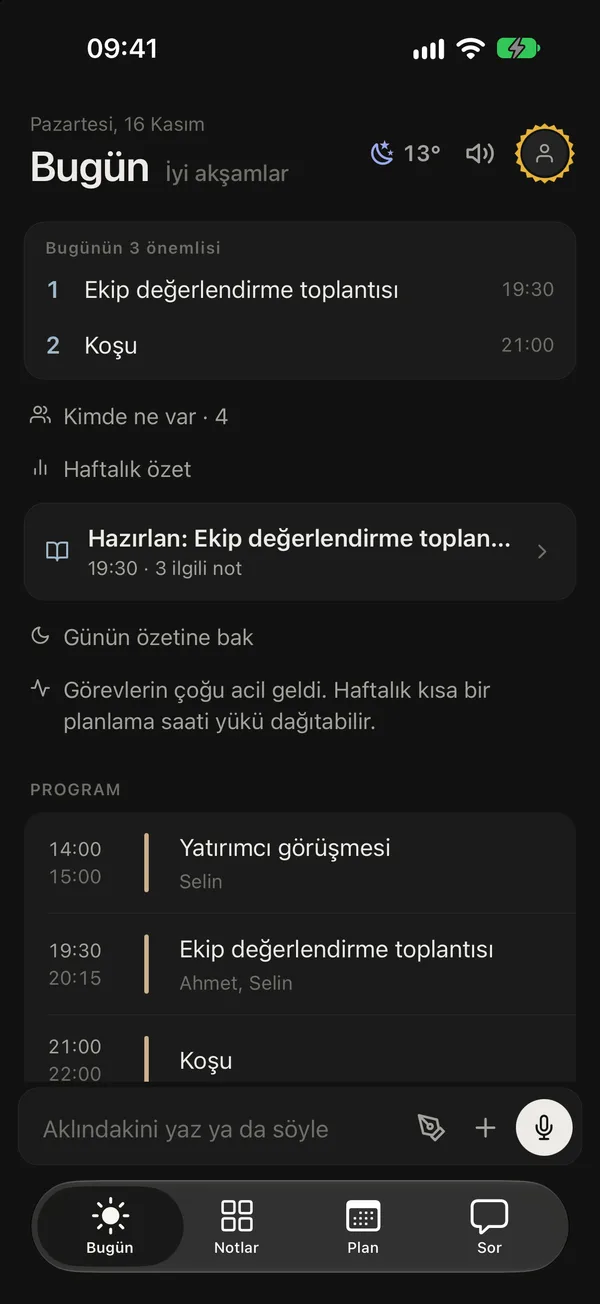
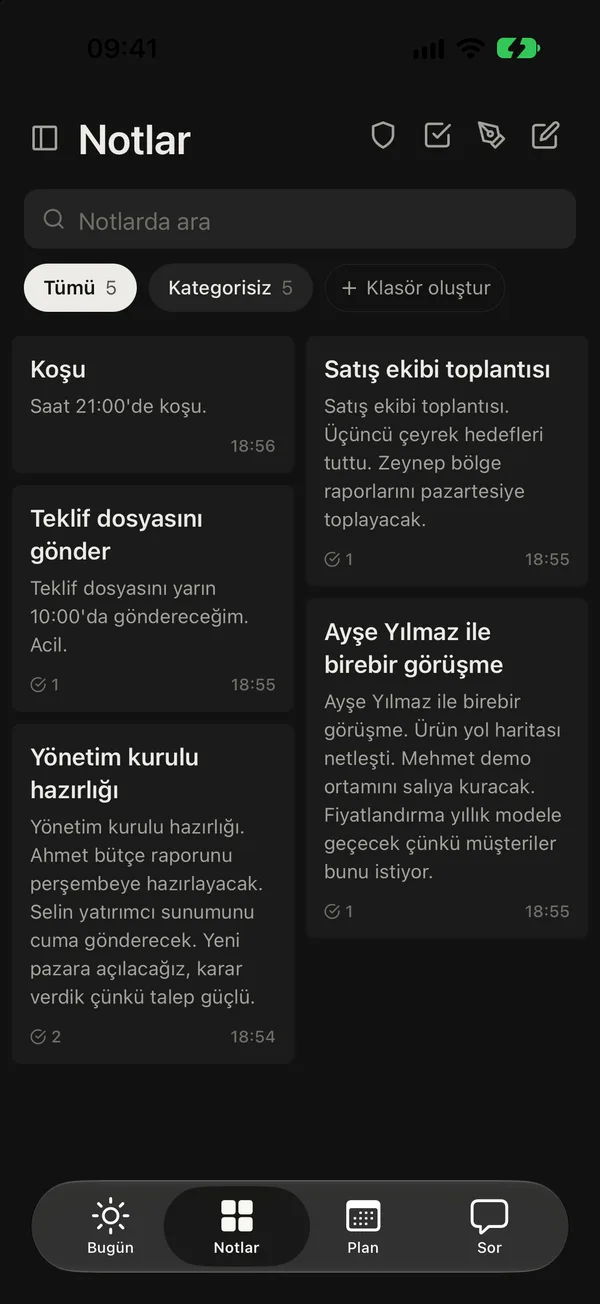
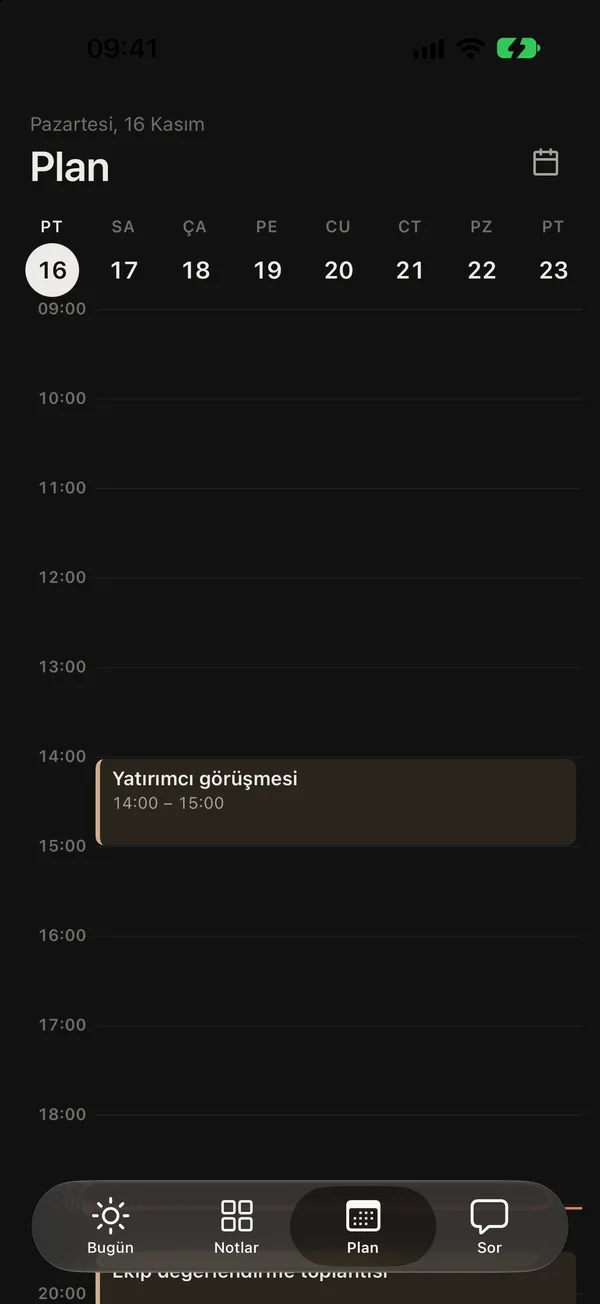
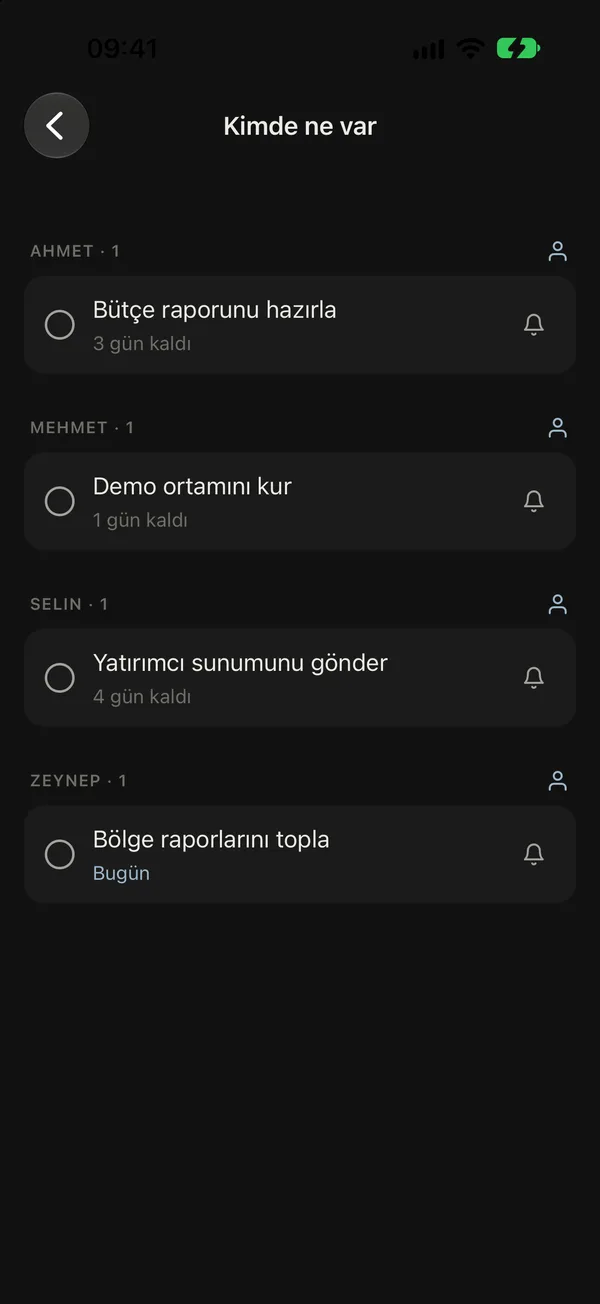
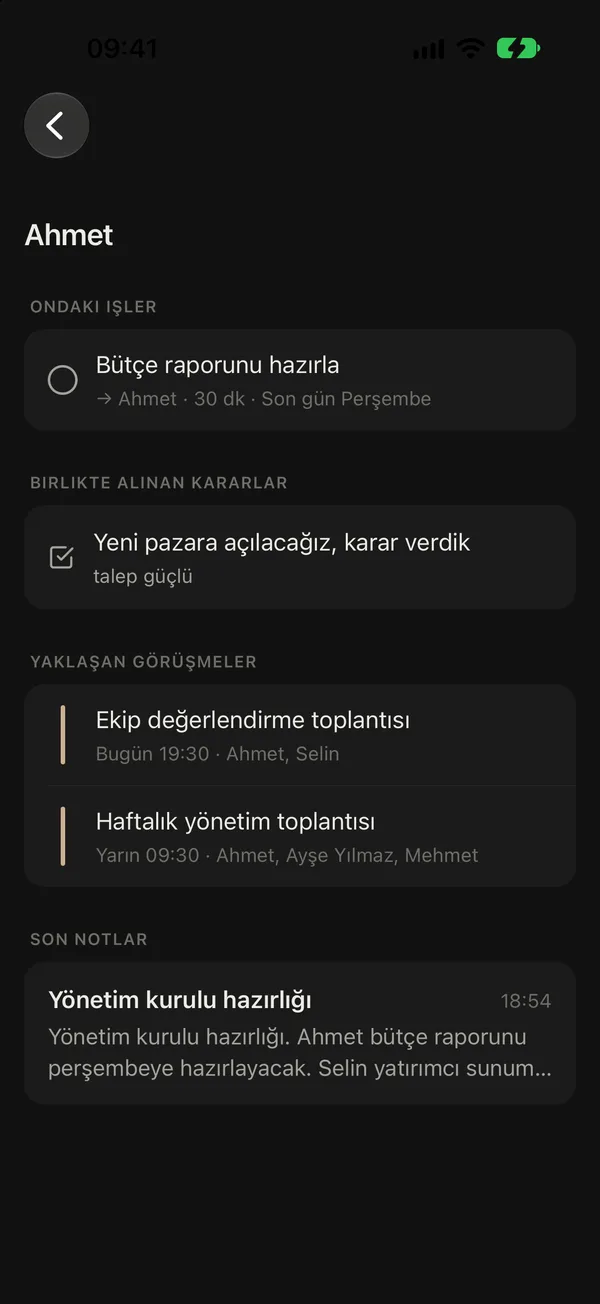
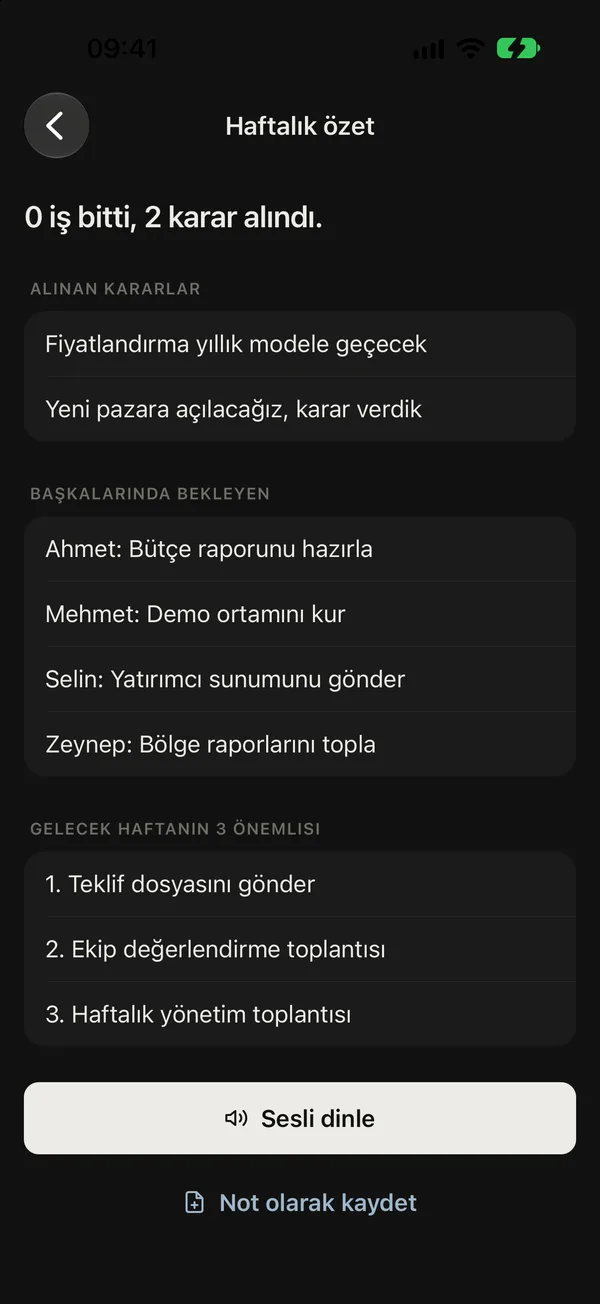
One sentence, a ready plan
Write the way you talk. Note understands.
Date, time, person and decision in the same sentence. Note pulls them apart on the phone itself; no templates, no fields to pick.
-
Alex will prepare the budget report by Thursday.
WhoAlex Morgan Prepare the budget report Thursday · follow up 10:00 -
Sales meeting tomorrow at 2 pm.
Sales meeting Tomorrow 14:00–15:00 -
Pricing moves to yearly plans because customers ask for it.
DecisionMove to yearly plans WhyCustomers ask for it
On every screen
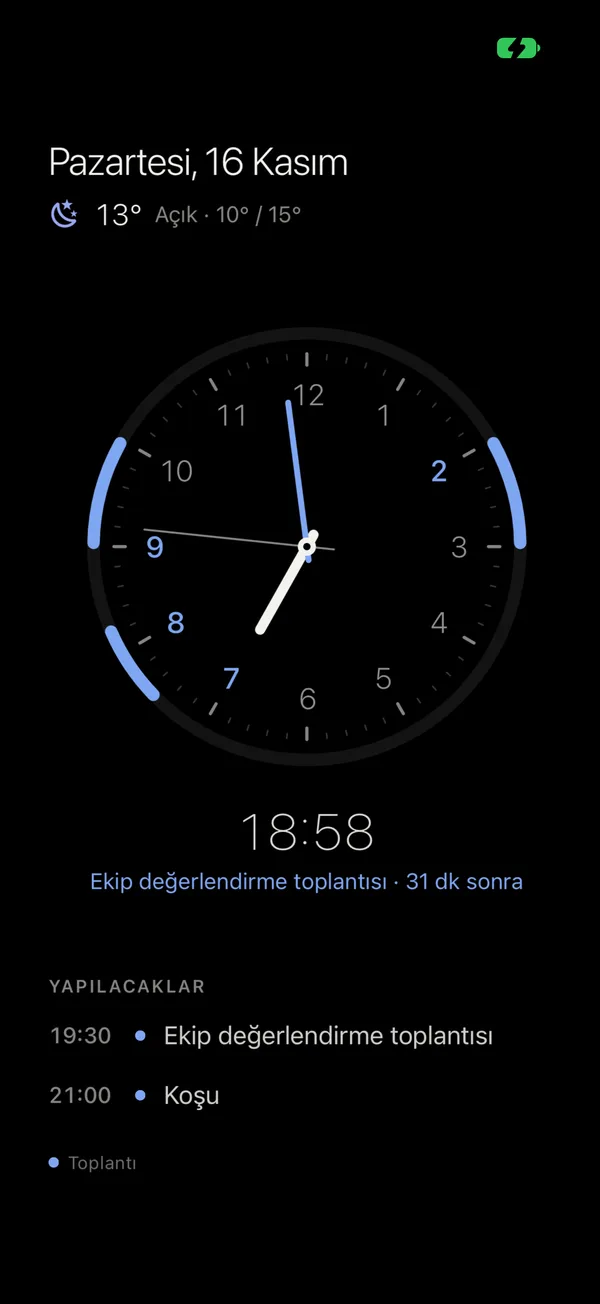
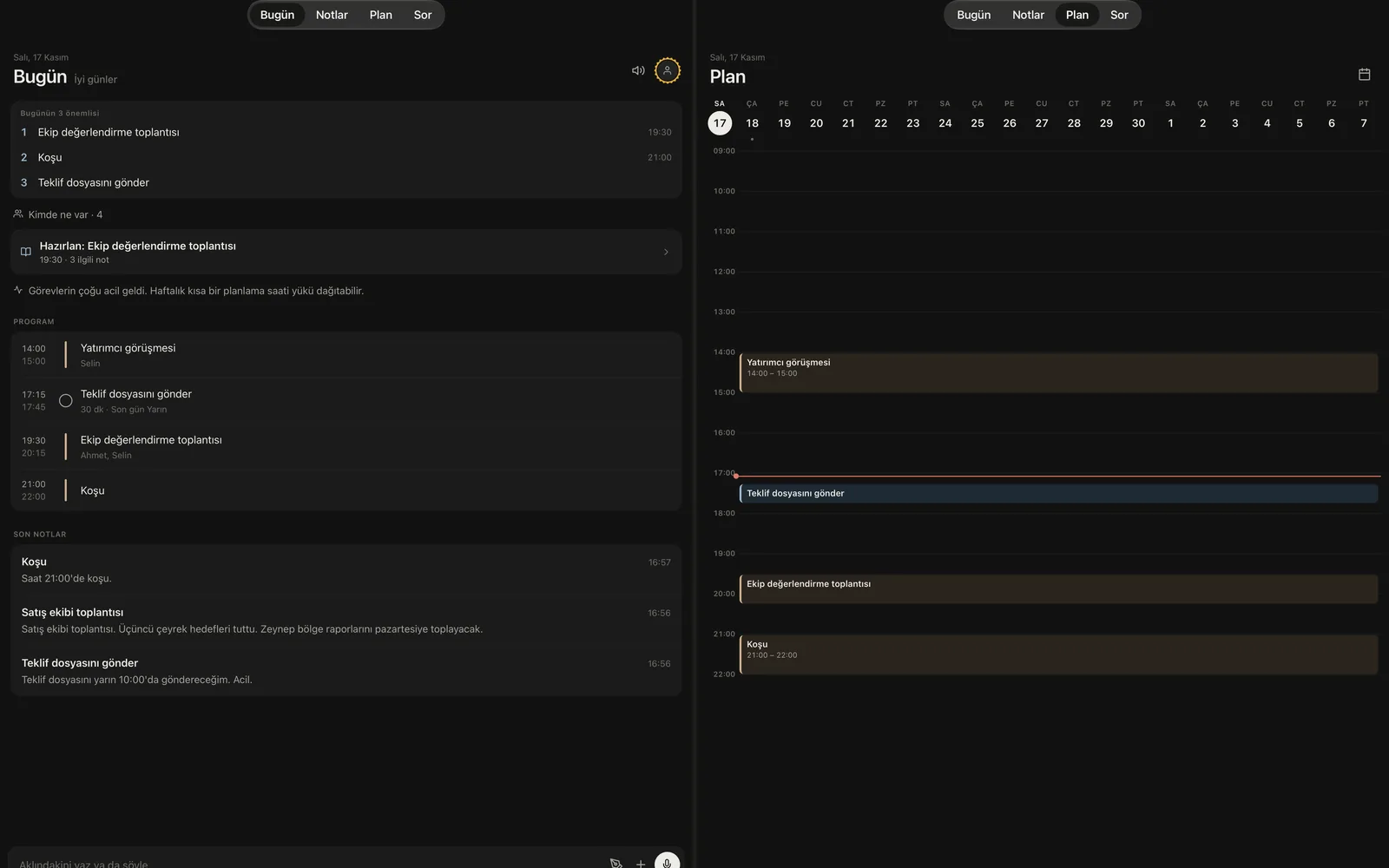
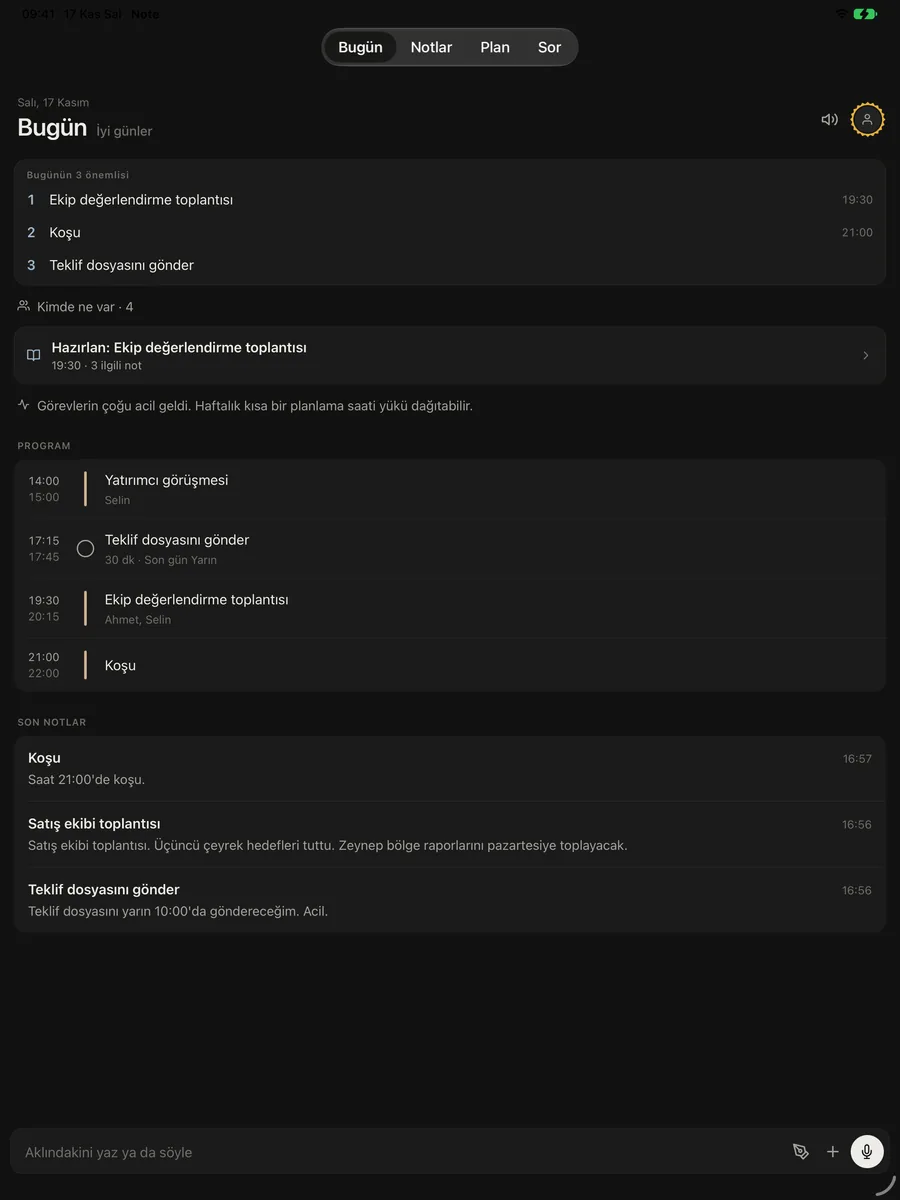
On your phone, on your tablet, soon on your Mac.
In your pocket, on the meeting table, on your desk as a clock while charging. With Note Pro they all see the same notes and plan.
Privacy
Your notes stay on your phone.
A manager’s notes are company knowledge. Note treats them that way by default.
- Account
- The free version needs no account; your notes live only on your phone.
- AI
- Runs on the phone itself (Apple Intelligence, Gemini Nano). No note is sent to the cloud.
- Sync
- With Pro, your notes are stored on servers in the European Union over encrypted connections.
- Hidden notes
- Encrypted on the phone; no one, not even the server, can read them.
- Selling data
- Never. No tracking for ads either.
Set it up before your next meeting.
Start free; try Note Pro’s manager tools for 7 days.